Getting Started
Welcome to the ISAC UAV Dataset from Technische Universität Ilmenau. This page covers what you’ll be downloading, how to request access, and how to run the download script.
What you’ll get
The dataset contains 60 scenarios across 360 files, totaling about 200 GB. Each scenario is recorded at three receivers (Rx) and consists of two file types:
- A channel file (
_channel.h5), containing the sampled channel transfer functions . - A target file (
_target.h5), containing the UAV groundtruth position.
This adds up to 6 files per scenario: one channel file per Rx (3 total), plus 3 identical copies of the target file (one per Rx) — the redundant copies let you work with a single Rx without needing the other files.
See Data Format for the full naming convention and file structure.
Requesting access
Important
For security purposes, the dataset is currently encrypted.
To obtain the password required for decryption, please drop us a short email and state where you are from and how you want to make use of the dataset. A really brief explanation is sufficient :)
Download the data
As Git is not suitable (at least not without extensions) for storing such large datasets, the dataset is stored on a separate server at TU Ilmenau [1].
The repository provides a script, downloader.py, that requests each scenario you select from that server and takes care of the download, decryption, unpacking, and verification of files.
File integrity is tracked via SHA checksums in scenarios.checksum; its git history also lets you see when a dataset file has changed.
1. Clone the repository and install requirements
git clone https://github.com/EMS-TU-Ilmenau/isac-uav-dataset.git
cd isac-uav-dataset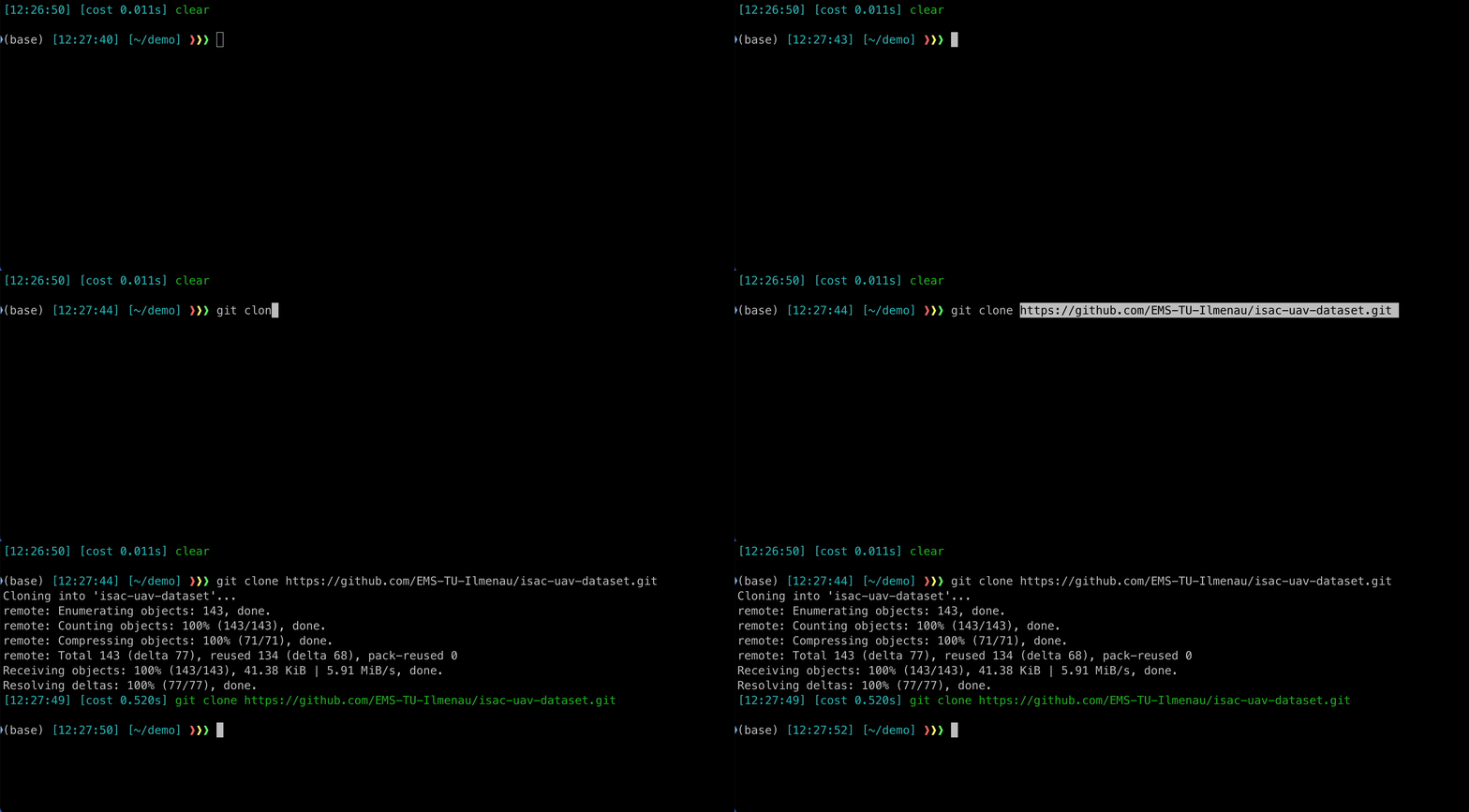
Cloning the repository with git clone.
Tip
Consider installing the requirements into a virtual environment (e.g., python -m venv venv && source venv/bin/activate) to avoid conflicts with your system packages.
python -m pip install -r requirements.txtWe tried to keep the requirements minimal, but in case you experience any issues please check the requirements.txt file in the repository.
2. Run the downloader
downloader.py will prompt you for the decryption password you requested via email above. If you mistype it, just re-run the script — it will not re-download the file and will instead reuse the previously downloaded version stored in the .tmp folder.
To download all available files, simply run the script without any arguments:
python downloader.pyThis downloads all available scenarios (the default mode).
Warning
The full dataset consumes about 200 GB of disk space. Correspondingly, the time required to download all scenarios will depend on your internet connection. When working with a remote machine, we recommend a screen or tmux session.
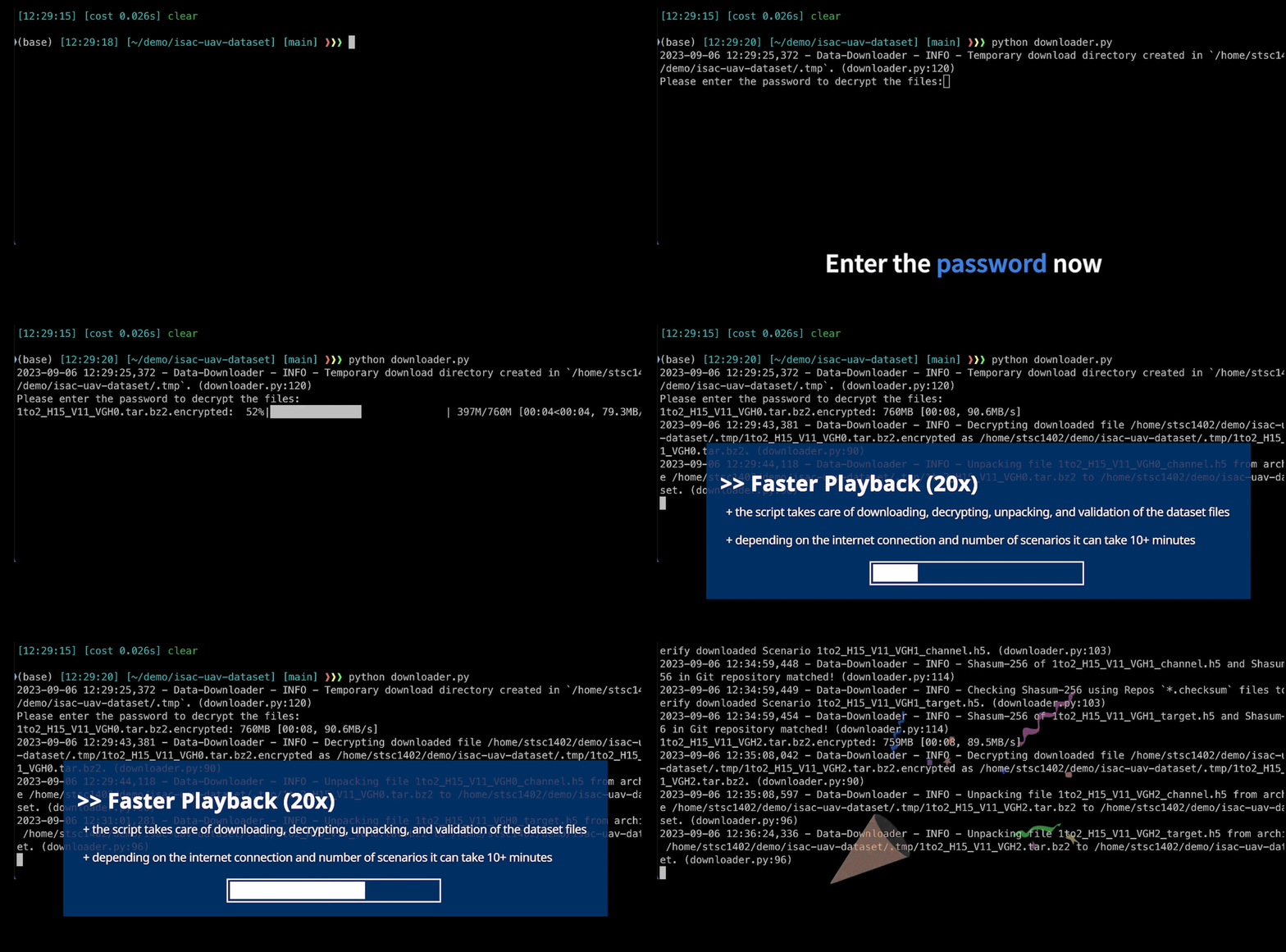
Running downloader.py to fetch and decrypt scenario files.
Alternatively, you can also specify scenarios with:
python downloader.py --scenario SCENARIO_1 SCENARIO_2 ... SCENARIO_NSee the full list of available scenarios to pick which ones to download. Pass the desired scenarios separated by spaces, e.g.,
python downloader.py --scenario 1to2_H15_V11 2to3_H15_V11Footnote
[1] - We want to thank Henning Schwanbeck from the Technische Universität Ilmenau Rechenzentrum for his continuous support with the provisioning of the measurement files.